Login & MFA
Every factor your users want. Scored, not hard-coded.
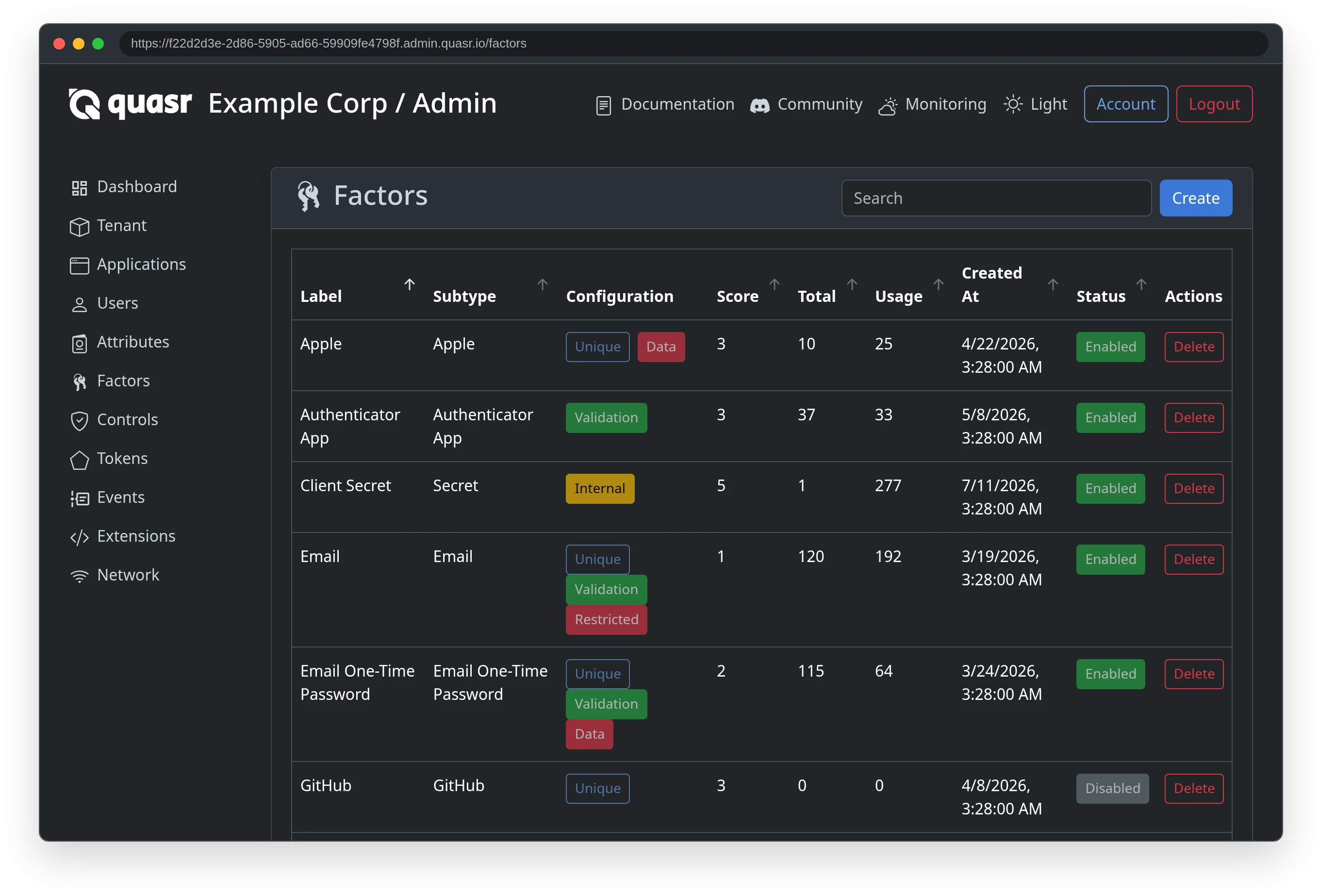
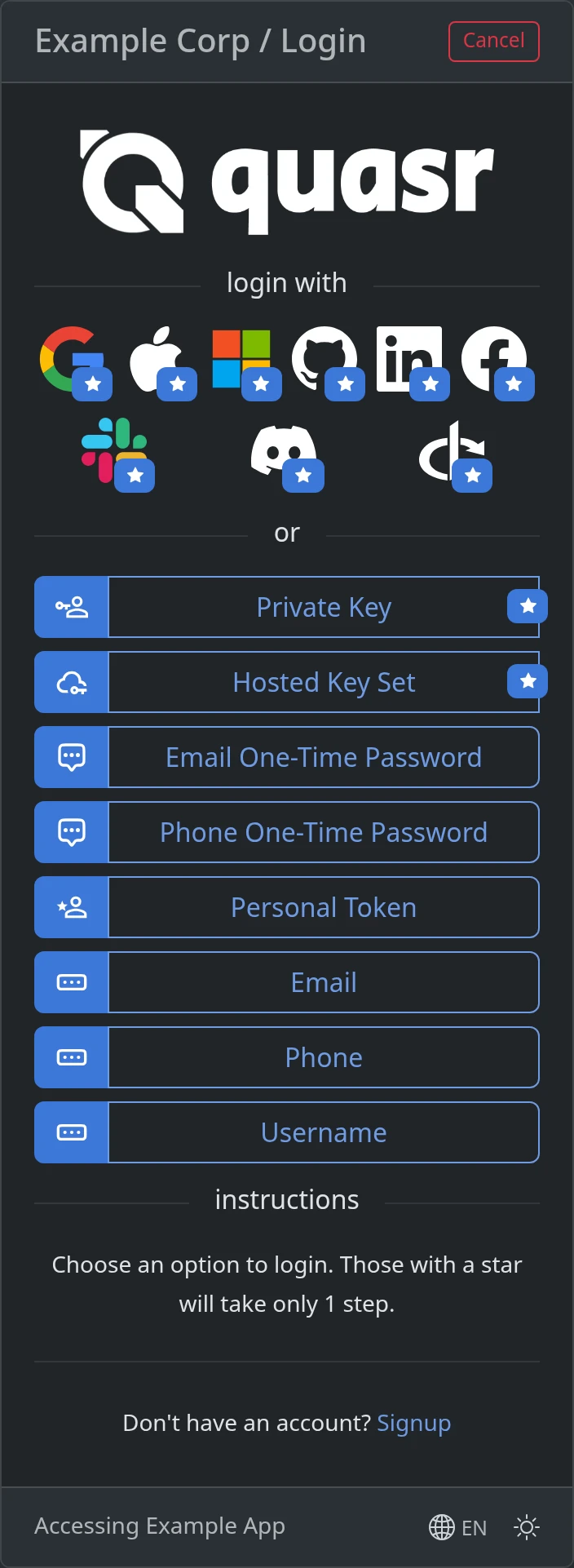
From passwords and one-time passwords to authenticator apps, private keys and social or OpenID Connect providers. Every factor has a score: your apps ask for a score, and users pick the factors that reach it.
- factor types
- 22
- factor types
- only the user’s own factors are offered
- ID-first
- only the user’s own factors are offered
- passwords and other login secrets are stored as hashes
- Argon2id
- passwords and other login secrets are stored as hashes
Passwords, done right
At least 15 characters by default, strength-checked and following NIST SP 800-63B: length over composition rules. Or skip passwords entirely and go passwordless.
One-time passwords
By email or SMS, or any channel you like (chat, voice) through a custom OTP factor and an extension. Use your own provider, or Quasr’s (SMS on request).
Authenticator apps
Standard TOTP that works with Google and Microsoft Authenticator, Authy, 1Password, Bitwarden and others, with replay protection.
Social & OpenID Connect providers
Google, Apple, Microsoft, Facebook, LinkedIn, GitHub, Slack and Discord, or any OpenID Connect or OAuth 2.0 provider, with PKCE, private_key_jwt and signed requests.
Keys and tokens for machines
Personal tokens, private keys and hosted key sets (JWKS) let machines authenticate as accounts, with key rotation built in.
Scores and step-up
Every factor a user passes adds to the session score. When an app needs more, the login steps up with another factor, exactly when it’s needed.
Specifications
- login_flow
- identifier first, then the user’s enrolled factors
- passwords
- 15–100 characters, zxcvbn ≥ 2, Argon2id
- totp
- RFC 6238, 6 digits, 30 seconds
- lockout
- 5 failed attempts, locked for 5 minutes
- ip_blocking
- 5 min → 15 min → 1 h → 5 h → permanent (production tenants)
- saml
- not supported: OpenID Connect only
Other building blocks
Ship login this afternoon.
Create a free account, configure your first tenant and connect your app with OpenID Connect.
No credit card required